Make the network work for the whole property
A router in the corner is not always enough. I can assess the signal, equipment, wiring, and the way you use the home to build a network that supports work, streaming, smart-home devices, cameras, guests, and everyday life without constant troubleshooting.
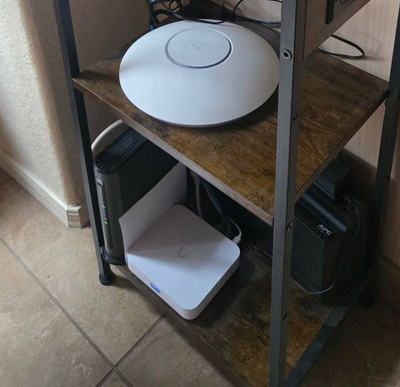
Clean, practical hardware
A compact router and network setup can be a good fit when it is placed well, configured correctly, and sized for the way the home is used.
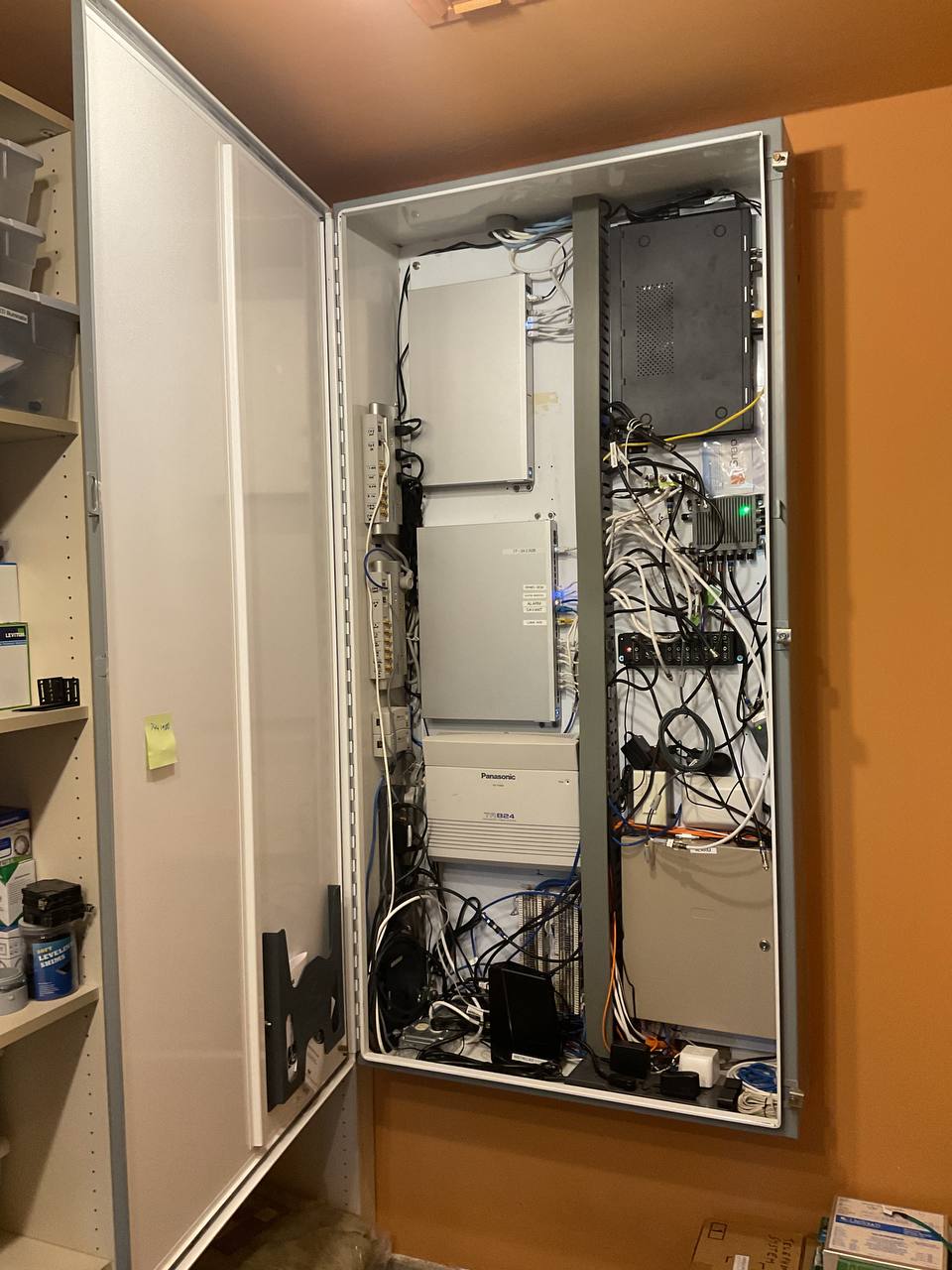
Whole-home Wi-Fi
Better access-point placement, mesh systems, and wired backhaul where it makes sense—so the places you use actually have a dependable signal.
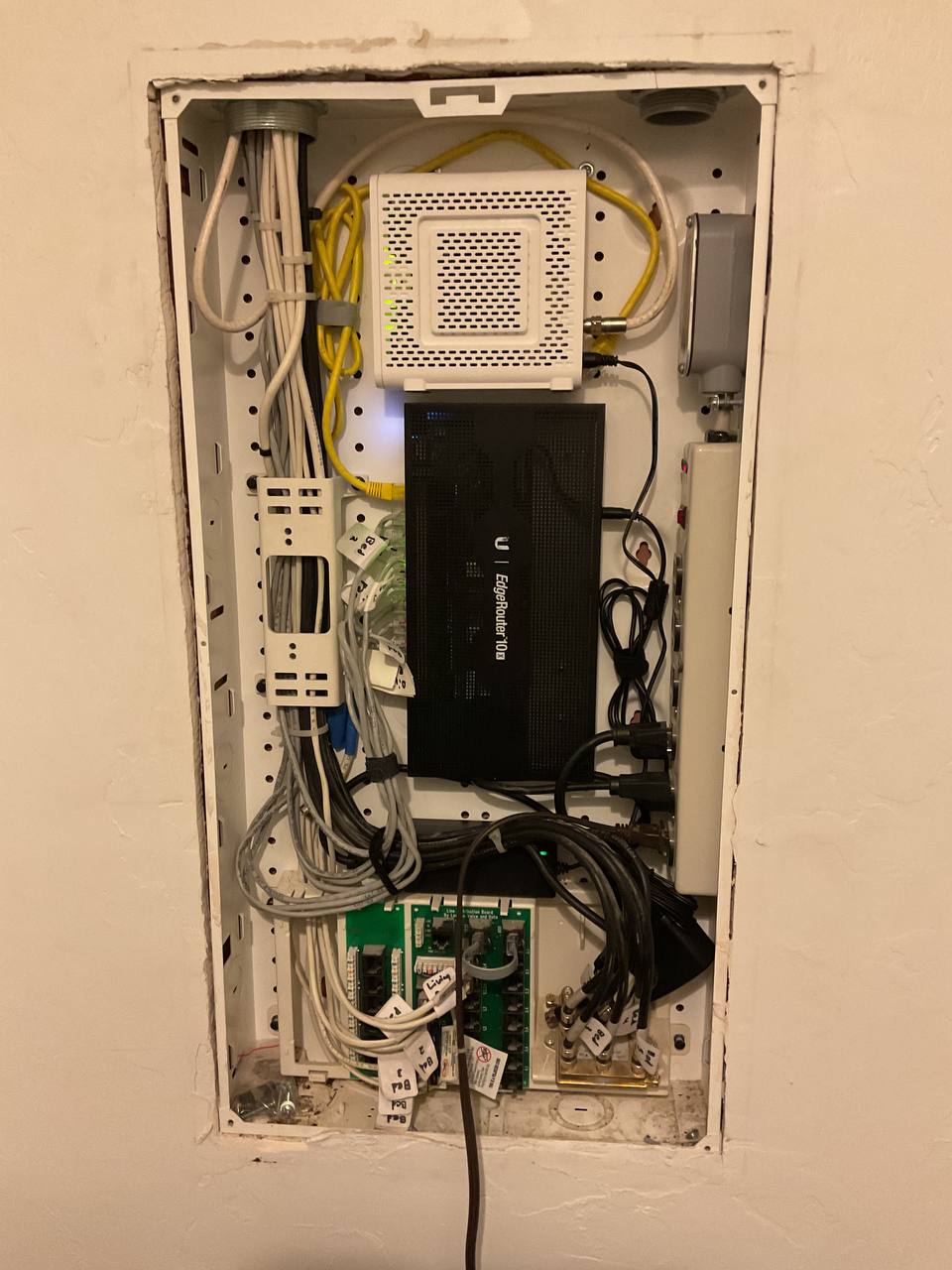
Clean up and upgrade
Existing panels and old equipment can often be improved with better organization, a modern gateway, clear labeling, and a realistic plan.
Not your average router setup
Most networking problems are not solved by replacing one box. I look at coverage, interference, wired connections, device load, security, and the equipment already in the home before recommending a path forward.
- UniFi: My preferred option for serious home networks and small businesses that need room to grow.
- TP-Link Omada and Deco: Good value choices when the project calls for practical performance at a lower equipment cost.
- Existing equipment: I can improve Netgear, ASUS, Eero, Google Wi-Fi, and other systems when replacement is not the best answer.
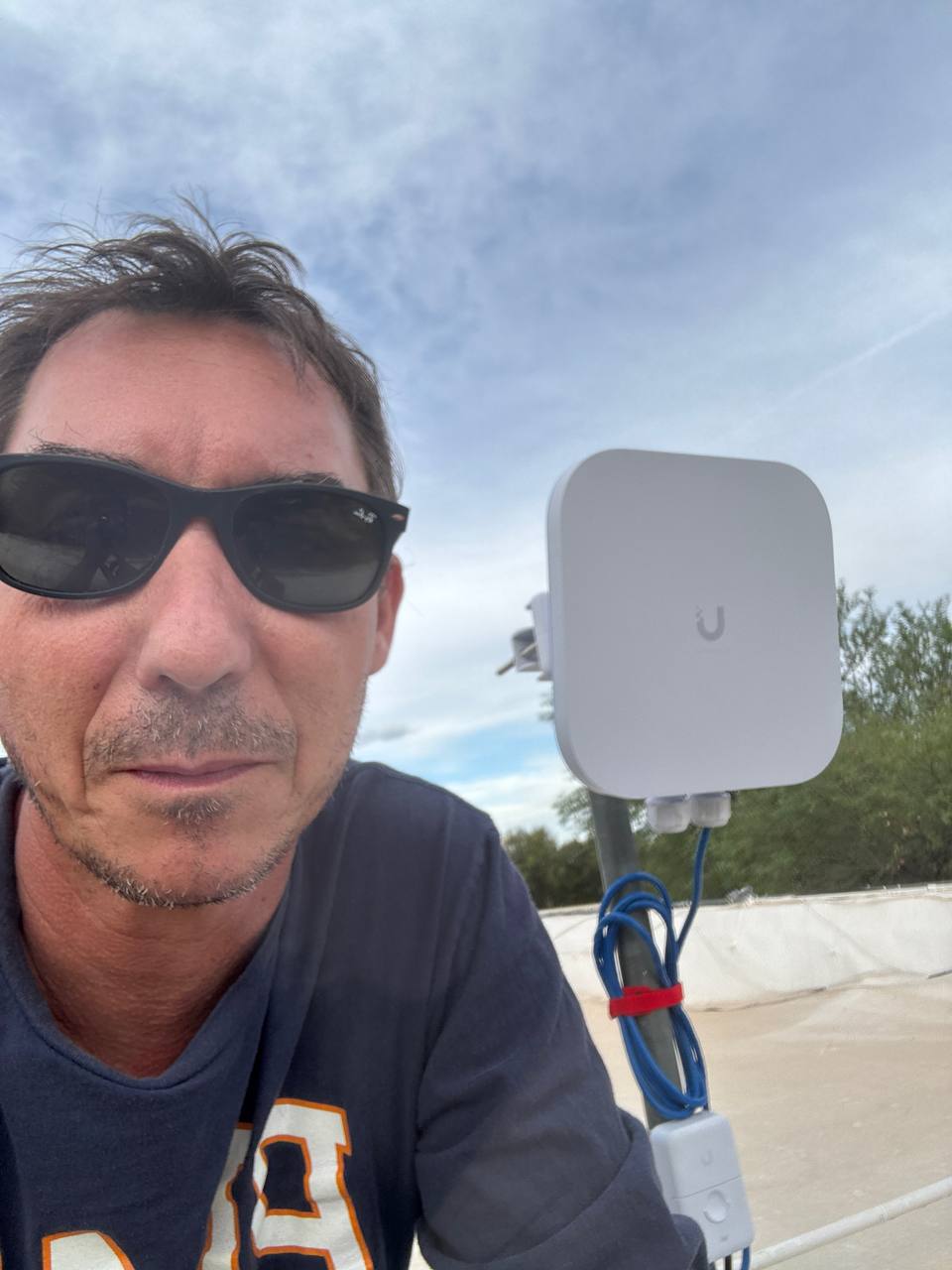
- Starlink: Dish mounting, cable routing, router integration, and Wi-Fi distribution for rural and hard-to-serve properties.
Network services
For homes
- Whole-home Wi-Fi coverage and dead-zone fixes
- Mesh Wi-Fi setup and access-point placement
- Wired backhaul, Ethernet drops, jacks, and patching
- Guest networks, parental controls, and content filtering
- Smart-home, streaming, and network-storage setup
- Starlink installation and home-network integration
For small offices and rentals
- Business-grade Wi-Fi and secure guest access
- VLANs for business, guest, and IoT traffic
- VPN and remote-access planning
- Backup-internet and failover preparation
- Network documentation and equipment labeling
- Remote troubleshooting and ongoing management options
A straightforward network plan
Tell me where the connection is weak, what devices are involved, and what you want to work better.
I assess equipment, signal paths, wiring options, and practical placement before recommending hardware.
I install the equipment, set up secure Wi-Fi and guest access, and test the parts that matter to you.
You get a system with clear names, sensible settings, and support options when the network changes later.
Clear pricing for advanced network work
Network planning, configuration, Wi-Fi troubleshooting, and advanced smart-home or camera networking are billed at $80 per hour. Hardware, cable runs, mounting, and larger installations are quoted based on the work required. Send photos of the equipment and problem areas before booking so I can give you a realistic plan.
Common questions
Can you improve my existing Wi-Fi before I buy new equipment?
Yes. Placement, channel settings, firmware, and a better backhaul can sometimes make a major difference. I will give you an honest assessment of whether the current equipment is worth keeping.
Do you run Ethernet cable?
Yes, for reasonable runs. I can install cable drops, terminate jacks, and help organize patch panels. For major whole-house pre-wire, I work with a low-voltage specialist.
Can you install Starlink?
Yes. I can help with mounting, cable routing, and integrating Starlink into the home network so the connection reaches the rooms and devices that need it.
Can you set up secure networks for smart-home devices and cameras?
Yes. I can create separate guest or IoT networks, plan VLANs where the equipment supports them, and connect cameras to the appropriate network. See the security camera installation page for the camera-system side of that work.
Ready for a network that just works?
Send a few photos of your current equipment and tell me where the connection falls short. I’ll help you plan a practical upgrade.
Request a network estimate