Google, Apple Home, or Alexa
Familiar voice and household control layers. Compatibility should be checked before buying because not every camera, thermostat, sensor, or light supports every platform.
Smart devices should make your home easier to manage—not leave you with a pile of apps, weak Wi-Fi, and equipment no one knows how to use. I help Tucson-area homeowners protect against leaks, plan cameras, choose a control system, save energy, and connect the devices behind it all.
Plan your smart-home setupA small leak sensor can give you an early warning before a failed supply line, water heater, washing machine, or refrigerator turns into a much larger repair. I can place sensors where they matter, connect the alerts to the right app or hub, and help you build a routine for checking them.

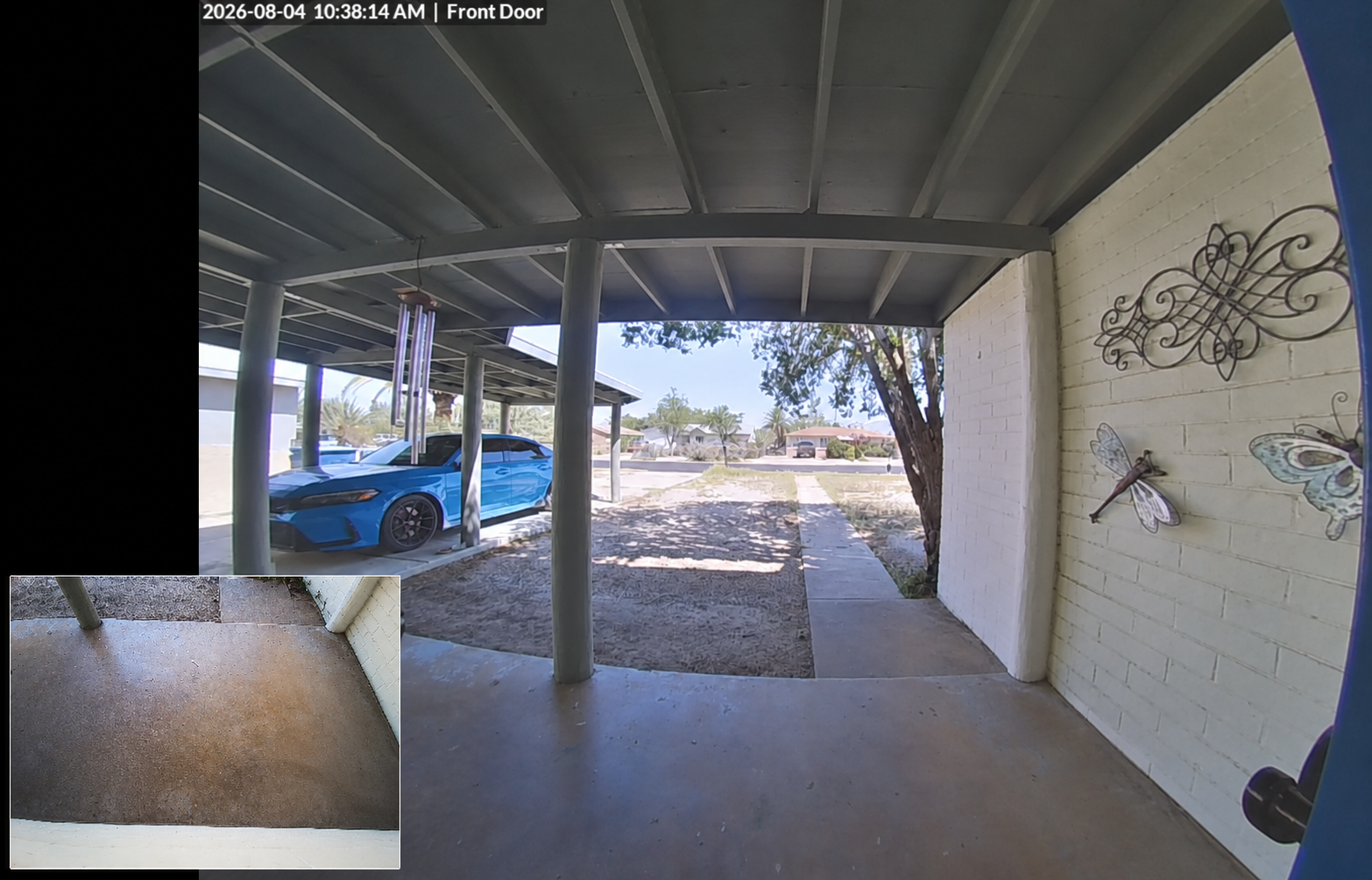
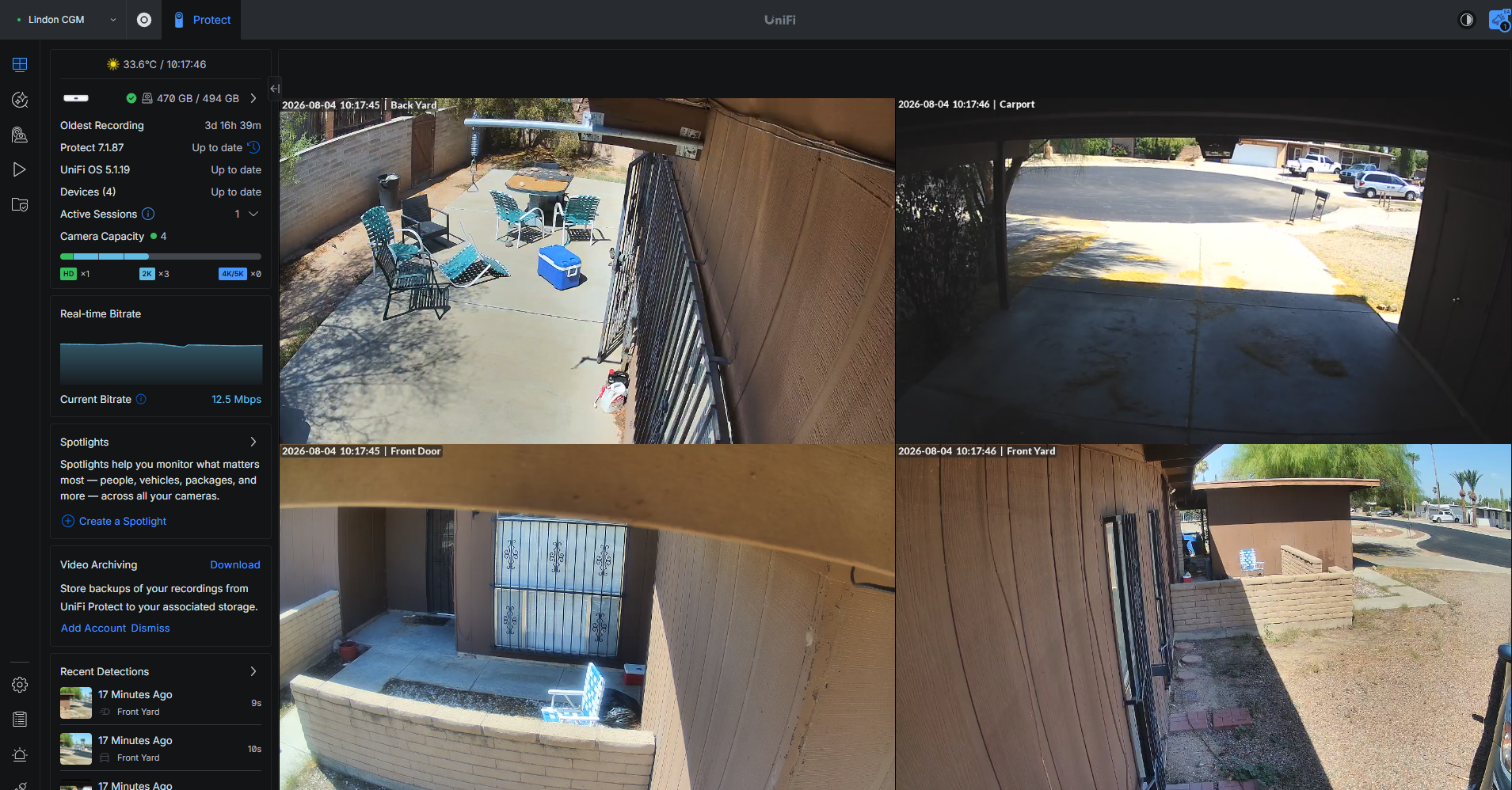
Cameras are more useful when the placement, power, storage, and alerts are planned together. I can help compare local-recording and cloud systems, place doorbells and floodlights, and make sure the Wi-Fi or wired network can carry the video.
The hub or app determines how devices work together. I can help you choose a simple path for one brand or a more flexible system for mixed devices.
Familiar voice and household control layers. Compatibility should be checked before buying because not every camera, thermostat, sensor, or light supports every platform.
Tapo and Kasa are both TP-Link brands, not two separate systems you must run together. For a new setup, use the Tapo app as the main control app and link compatible Kasa devices to it with the same ID.
My preferred self-hosted route for local control, mixed brands, dashboards, energy monitoring, and deeper automations without being locked into one manufacturer. Open source and free to run, with optional Nabu Casa remote access for $65/year.
Smart plugs and lights are approachable ways to make a home more convenient without starting with a complicated project. They are useful first steps while we decide which hub should control the rest of the home.
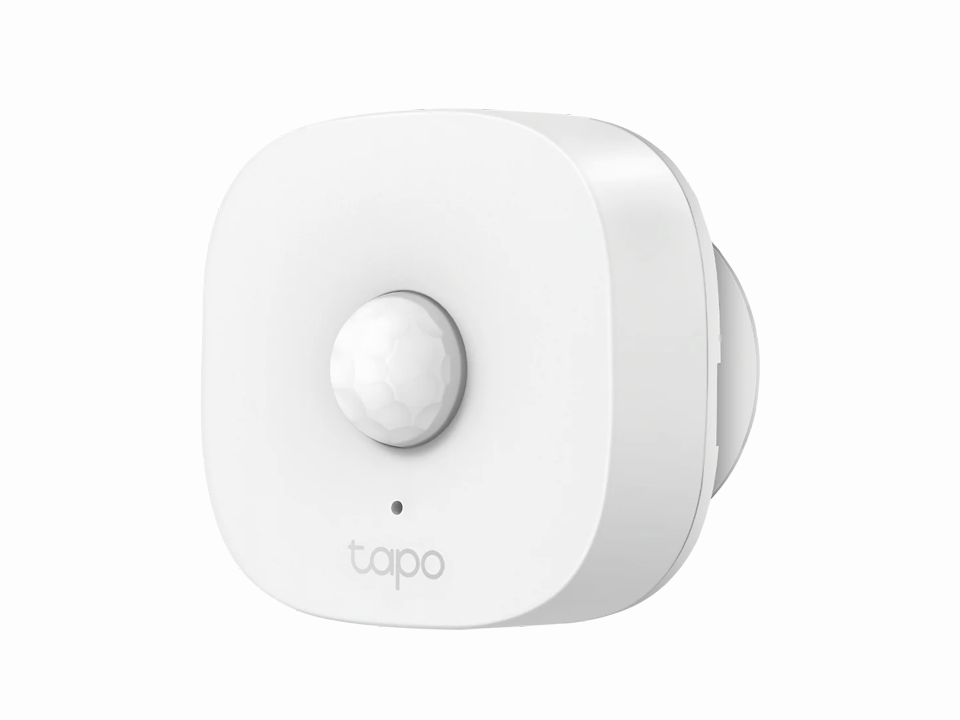
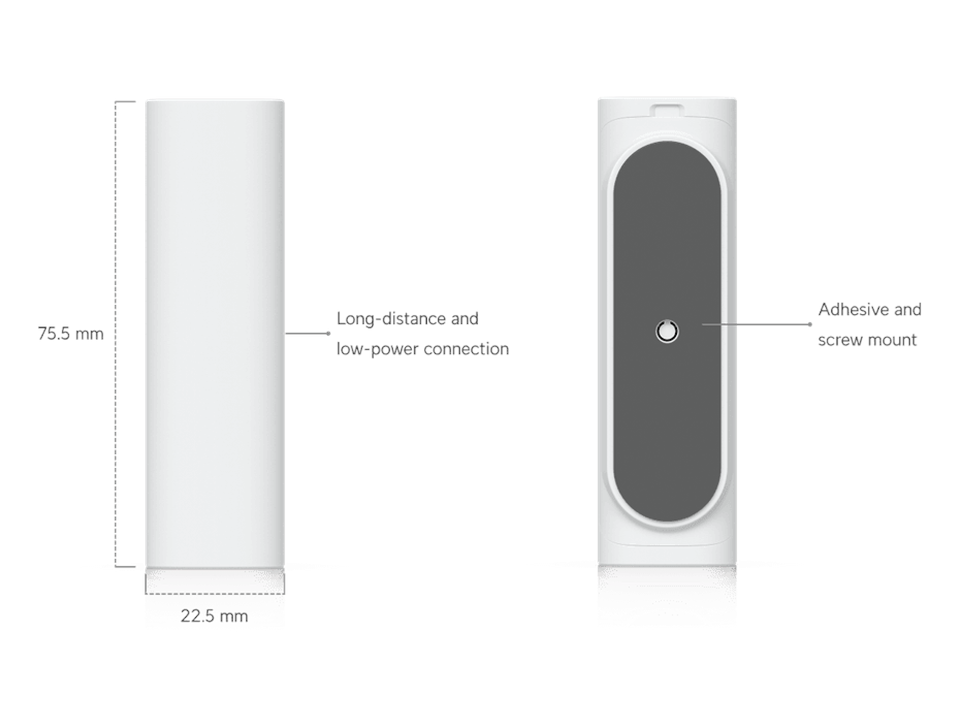
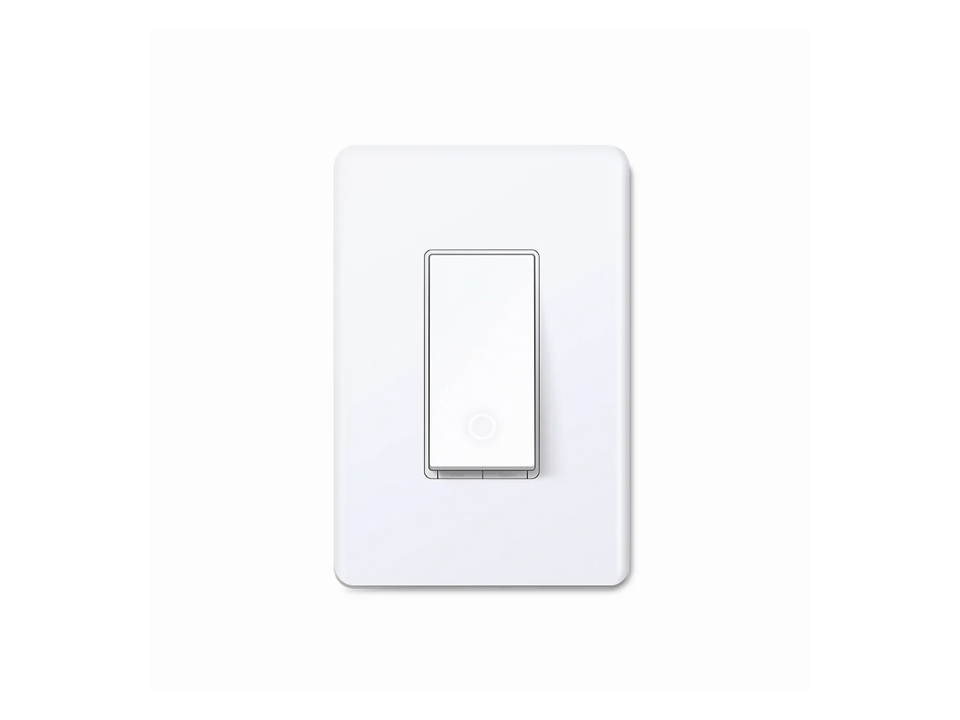
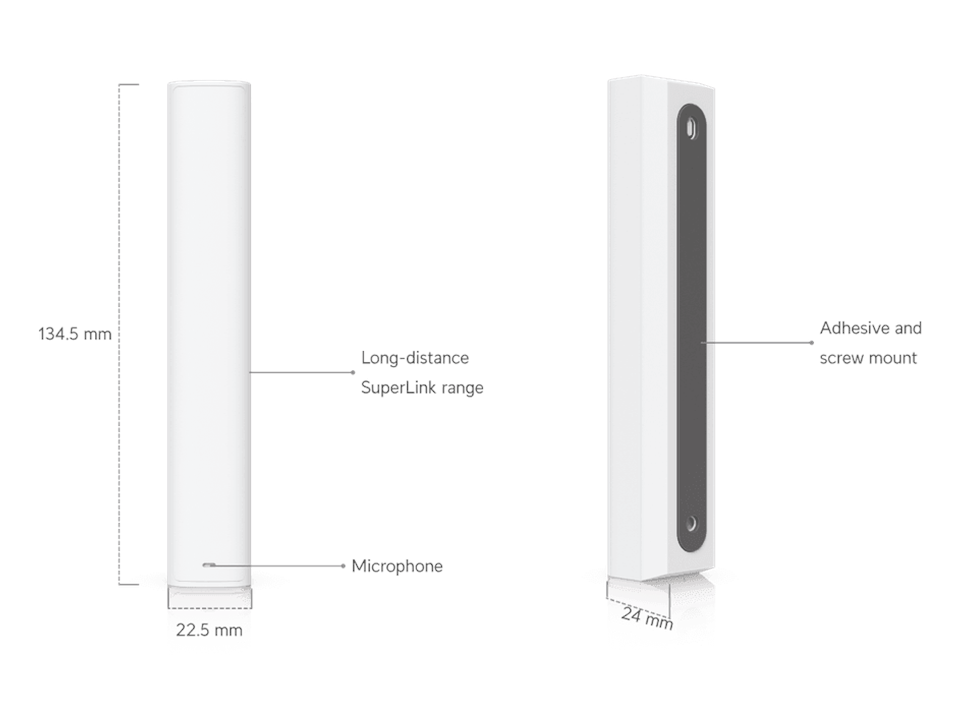
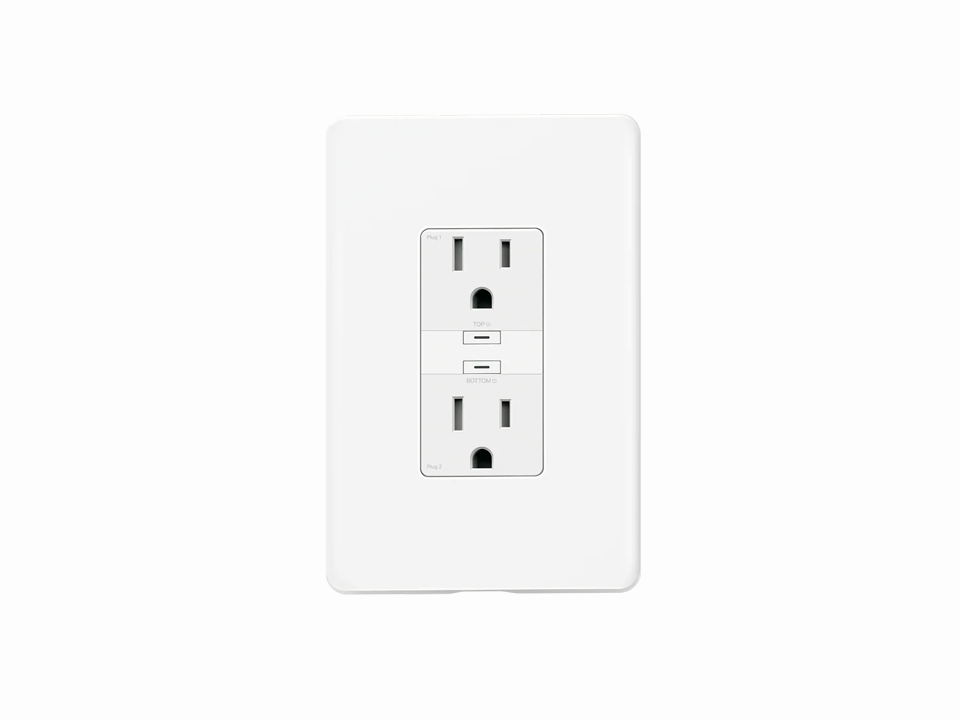
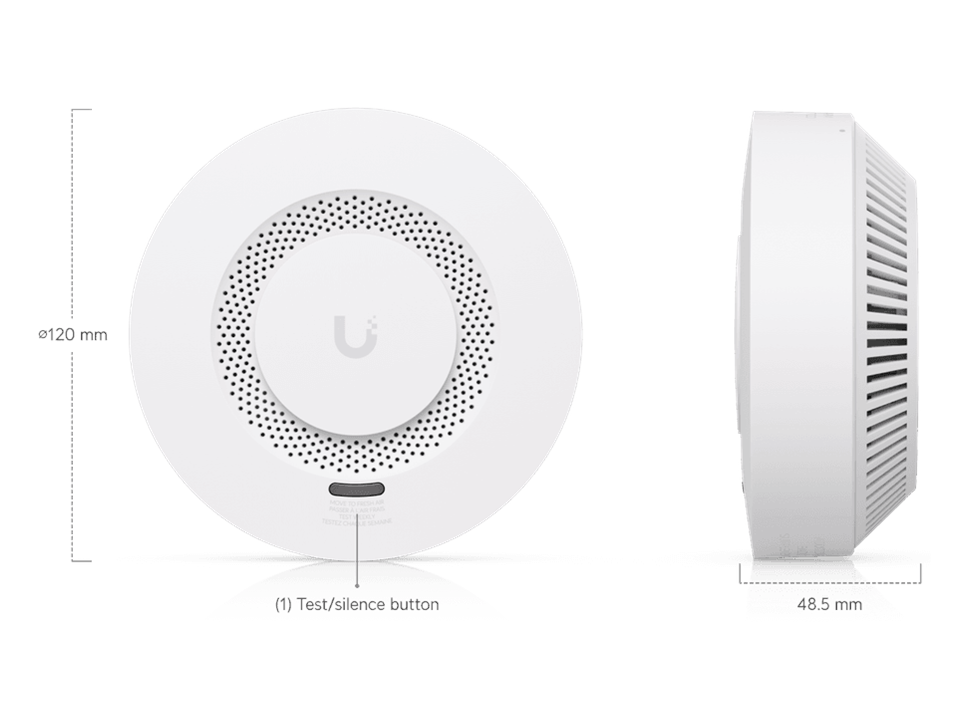
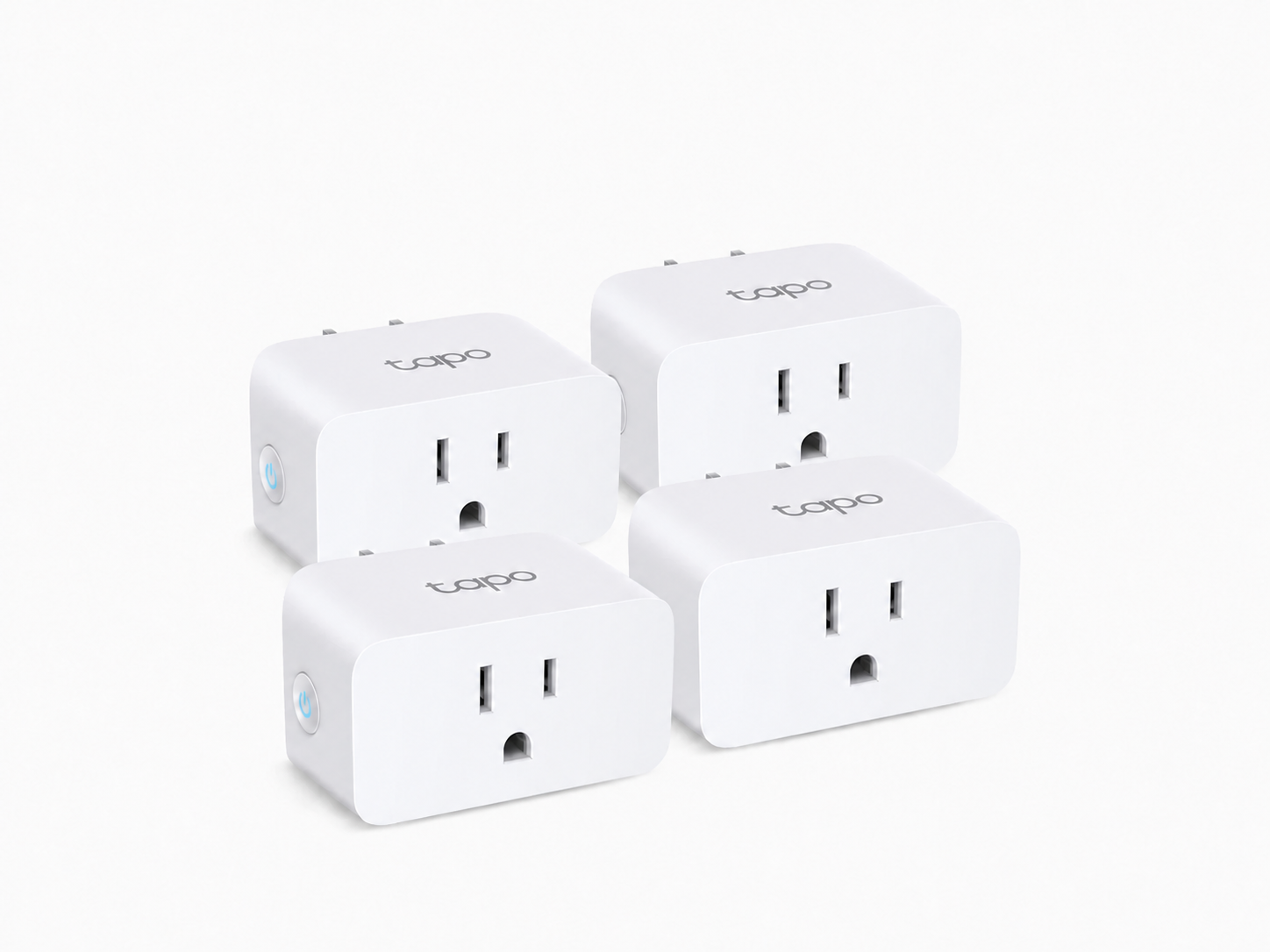
Three standards cover most homes: UniFi for local-first security, Tapo Matter for flexible mixed-brand devices, and Wyze Wi-Fi for lower-cost app-based control.
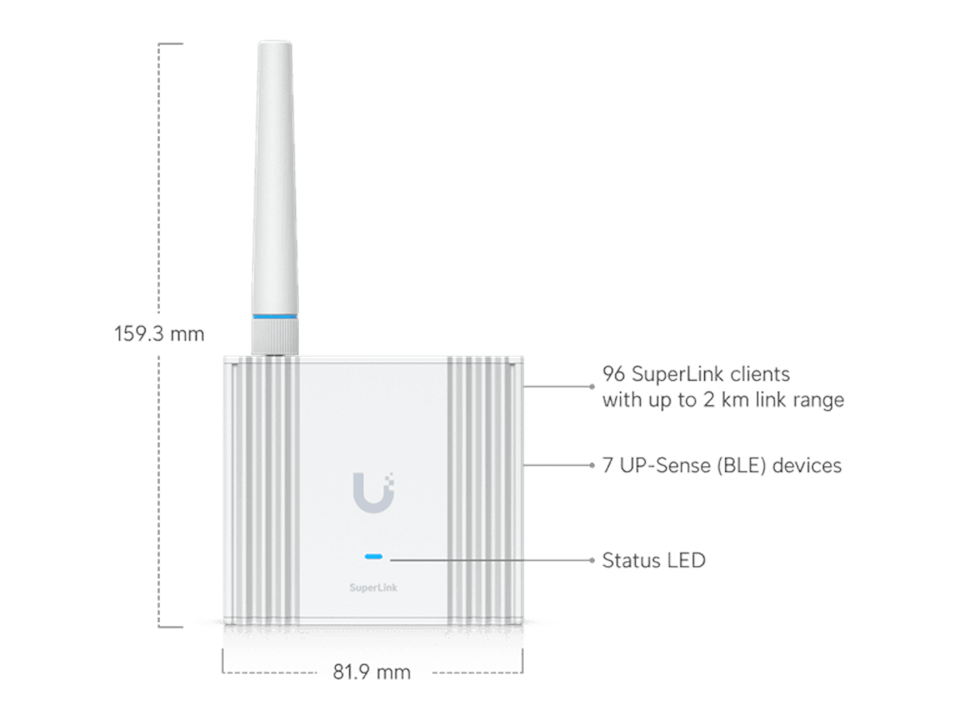
UniFi Protect is my gold standard for local-first security: dedicated cameras, a recorder, planned coverage, and one security dashboard. SuperLink extends compatible sensors beyond ordinary Wi-Fi.
Best fit: homeowners who prioritize local evidence and dependable coverage over the lowest entry price.
Tapo Matter is my flexible path for plugs, bulbs, switches, and supported sensors. Compatible devices can pair with a Matter controller such as Home Assistant, Apple Home, Google Home, Alexa, or SmartThings.
Best fit: homeowners who want mixed-brand devices and flexible automations.
Wyze Wi-Fi is my lower-cost path for plugs, bulbs, doorbells, night lights, and smart locks. Most setup runs through the Wyze app and compatible voice platforms.
Best fit: homeowners who want a simple, budget-friendly Wi-Fi system.
Not sure which standard fits? Let’s talk through the right starting point.
Thermostat compatibility is more complicated than it looks. We should first decide whether the home is centered on Home Assistant, Google Home, Apple Home, Alexa, or a manufacturer app, then confirm the HVAC wiring and choose a thermostat that fits both.
TEP Smart Rewards can include a free or discounted thermostat, a $50 gift card, and a $40 annual incentive. Those incentives are small compared with the value of the peak-demand savings the program is designed to create for the utility company. During periods of extreme summer demand, enrolled thermostats may temporarily raise the temperature setting. TEP says these events are limited and that customers can opt out, but homeowners should understand that utility event control is part of the tradeoff—and that it will occur during the hottest times of summer. Review TEP Smart Rewards.
Begin with leak protection, camera coverage, or another problem you want the system to solve.
We look at Wi-Fi coverage, device locations, power, existing wiring, and the apps or accounts involved.
I help identify a hub or app that fits the home before we choose the final thermostat, lights, and sensors.
I install, connect, test, label what matters, and make sure you know how to use the finished system.
Smart-home integration is technical work, so all work on this page is billed at $80/hour. My day job as a systems administrator gives me a strong technical foundation, supported by my education in software engineering. I apply that experience to home and business networks, camera installation, Home Assistant, smart-home integration, and automation projects.
Free phone consultation · $50 in-home visit. The visit fee is credited toward the price of the system if you move forward with the system I help you design.
Leak sensors are a practical first smart-home upgrade because they can provide early warning near water heaters, washing machines, sinks, and other risk points before a small leak becomes expensive damage. I can help choose sensor locations and alerts.
Usually, yes. I can assess the devices and the Wi-Fi they depend on, then help connect compatible products through their native apps, Alexa, Apple Home, Google Home, Kasa, or Home Assistant.
Not always. A simple device may work well in its own app. Home Assistant becomes useful when you want devices from different brands to coordinate, run local automations, monitor energy use, or be managed from one place.
No. Home Assistant can run locally without a required subscription. Home Assistant Cloud is an optional convenience service for secure remote access, backups, and easier voice-assistant setup.
Yes. I can help select and install smart cameras, video doorbells, floodlight cameras, and the network equipment that keeps them online. For larger systems, see my security-camera installation service.
TEP Smart Rewards may temporarily adjust the temperature setting during peak-demand events. TEP says events are limited and customers can opt out, but utility event control is part of the program tradeoff. I recommend checking the current terms and planning thermostat compatibility before enrolling.
Compatibility varies by thermostat model, HVAC wiring, and the platform you want to use. I can check those requirements before purchase and help choose the thermostat last, after the preferred hub or voice platform is clear.
Often, yes. Tapo and Kasa are both TP-Link brands; compatible Kasa devices can usually be linked into the Tapo app, so you do not normally need two separate apps. Home Assistant, Google Home, Apple Home, or Alexa can be added as the control layer when their compatibility fits.
It can help when the equipment is used to manage cooling schedules, lighting, device standby use, and energy habits. I can set up the system and show you what to monitor; the actual savings depend on the home, equipment, and how it is used.
Reliable Wi-Fi is the foundation of a good smart home. I can diagnose coverage, device placement, and network configuration before adding more connected devices. See the home-network service for more detail.
Send me a few photos, the devices you already have, and what you want the finished system to do. I will help you choose a practical next step.