Use less energy
Thermostat schedules, lighting routines, smart plugs, and energy monitoring can help identify waste and make it easier to control how the home uses power.
Smart devices should make your home easier to manage—not leave you with a pile of apps, weak Wi-Fi, and equipment no one knows how to use. I help Tucson-area homeowners connect cameras, doorbells, thermostats, lighting, and the systems behind them into something practical.
Plan your smart-home setupA good smart home is built around practical moments: saving energy while the house is empty, knowing who is at the door, turning lights on without crossing a dark room, or making sure a camera is recording when it matters. I can handle the physical installation, the setup, and the dependable network behind it.
Thermostat schedules, lighting routines, smart plugs, and energy monitoring can help identify waste and make it easier to control how the home uses power.
Doorbells, cameras, smart locks, motion alerts, and outdoor lighting help homeowners see activity, respond to visitors, and keep useful evidence when it matters.
Group the things you use every day into reliable routines instead of bouncing between separate apps, remotes, and accounts.
I like self-hosted options because the home can keep working locally and you are not forced into one company’s hardware or monthly plan. Home Assistant is my preferred route for mixed brands, local control, privacy, and deeper automation. I am equally happy to recommend and set up the big-name platforms when they are the better fit for the homeowner.
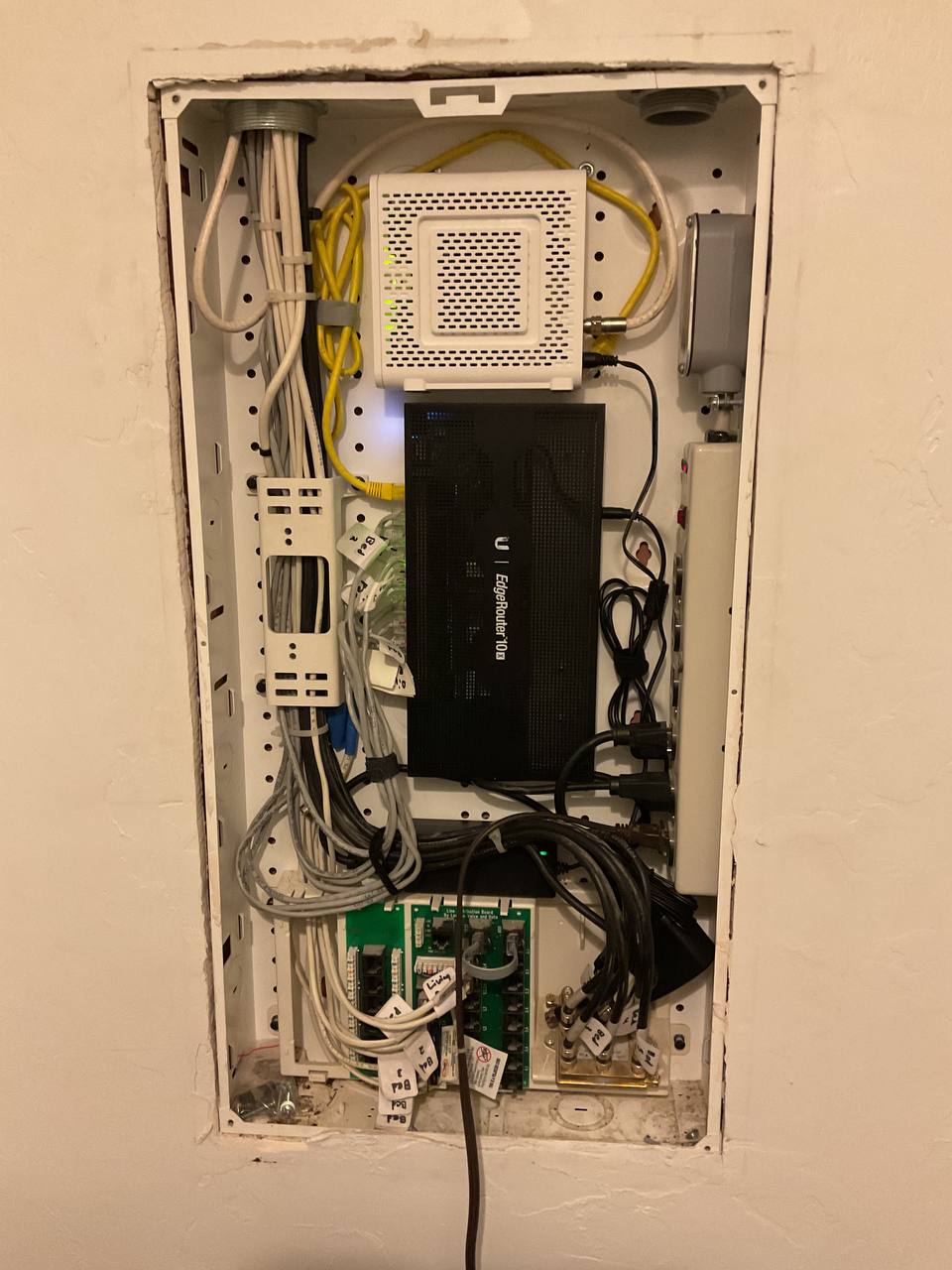
Tell me what you want the system to do, what devices you already own, and what is not working today.
We look at Wi-Fi coverage, device locations, power, existing wiring, and the apps or accounts involved.
I help identify equipment that fits the home and the budget, without buying a hub or subscription you do not need.
I install, connect, test, label what matters, and make sure you know how to use the finished system.
Simple hardware installation and basic setup are handled like regular handyman work. Advanced networking, camera planning, Home Assistant, and more involved automation work are priced for the additional design and troubleshooting involved.
For straightforward device installs: locks, doorbells, switches, thermostats, TV accessories, and basic app setup when the Wi-Fi and equipment are ready to go.
For smart-home planning, Home Assistant, camera systems, Wi-Fi troubleshooting, network segmentation, and integrations that need more technical design.
Usually, yes. I can assess the devices and the Wi-Fi they depend on, then help connect compatible products through their native apps, Alexa, Apple Home, Google Home, Kasa, or Home Assistant.
Not always. A simple device may work well in its own app. Home Assistant becomes useful when you want devices from different brands to coordinate, run local automations, monitor energy use, or be managed from one place.
No. Home Assistant can run locally without a required subscription. Home Assistant Cloud is an optional convenience service for secure remote access, backups, and easier voice-assistant setup.
It can help when the equipment is used to manage cooling schedules, lighting, device standby use, and energy habits. I can set up the system and show you what to monitor; the actual savings depend on the home, equipment, and how it is used.
Yes. I can help select and install smart cameras, video doorbells, floodlight cameras, and the network equipment that keeps them online. For larger systems, see my security-camera installation service.
Reliable Wi-Fi is the foundation of a good smart home. I can diagnose coverage, device placement, and network configuration before adding more connected devices. See the home-network service for more detail.
Send me a few photos, the devices you already have, and what you want the finished system to do. I will help you choose a practical next step.
Start a smart-home conversation