UniFi Physical Security in Tucson

Plan a dependable security system with cameras, SuperLink sensors, local recording, and alerts that make sense for your Tucson home or small business.

PLAN THE SYSTEM

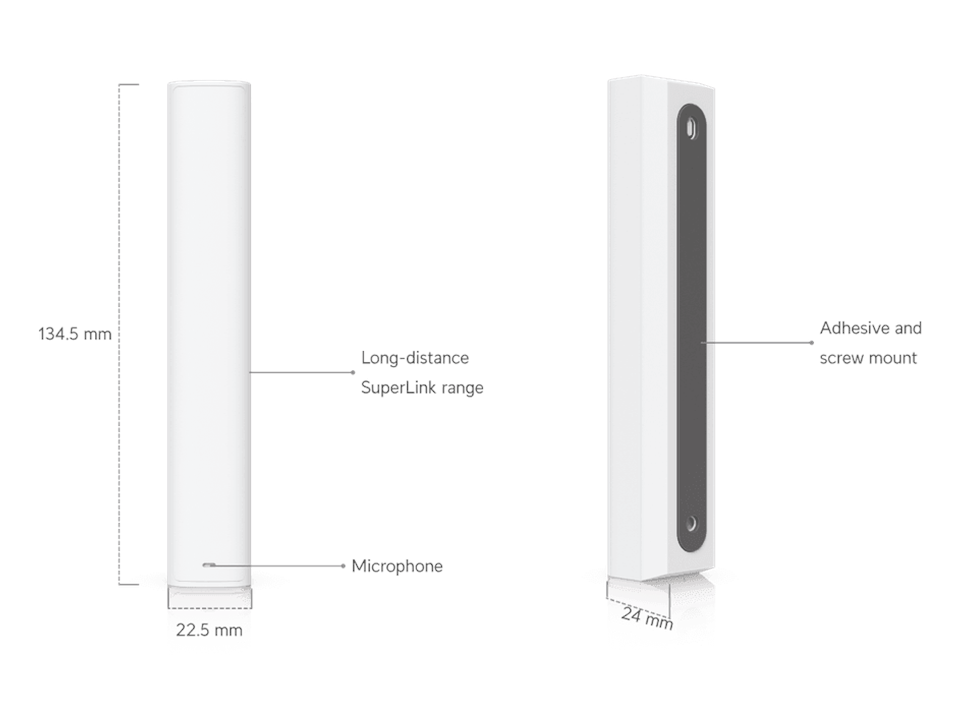
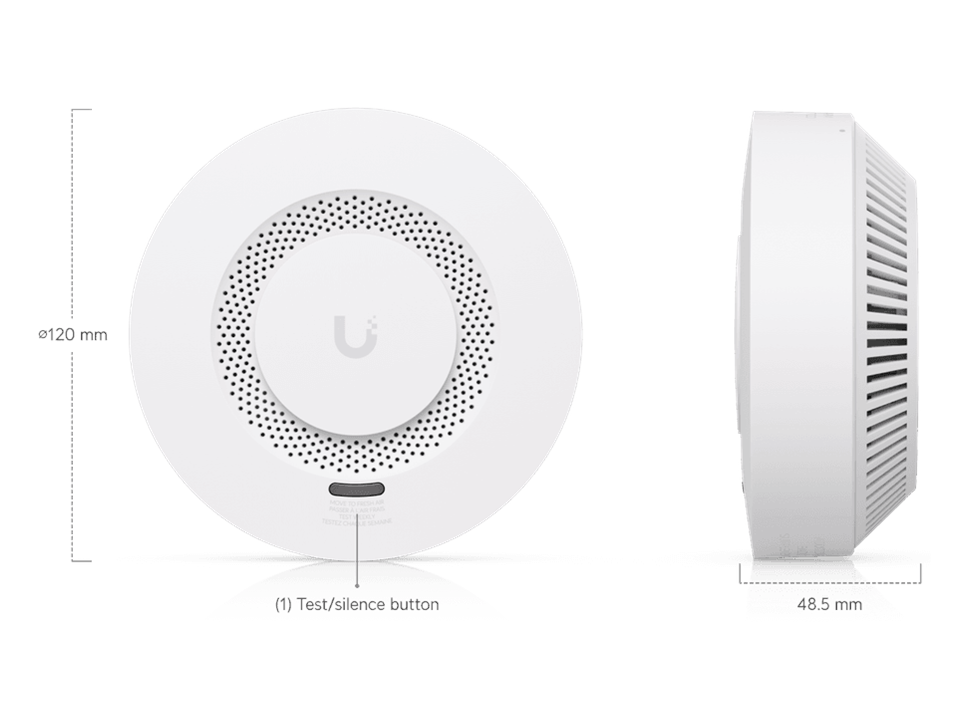
UniFi Protect brings cameras, entry sensors, alarms, and local recording into one managed system. I can help choose the right console first, then build the camera and sensor plan around your property.

Protect cameras for the views that matter

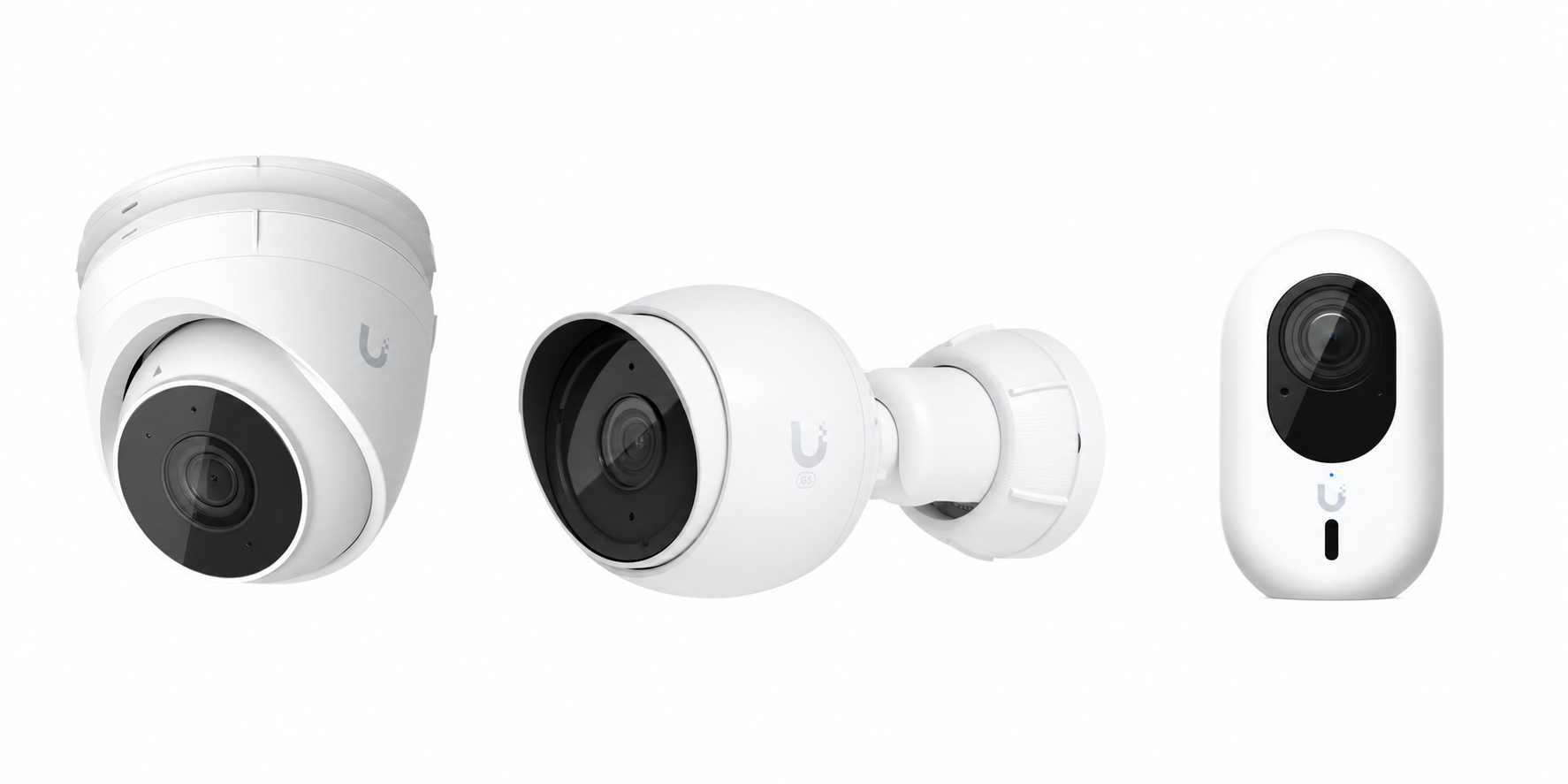
PoE cameras

One network cable carries power and video, making PoE the strongest choice for continuous recording and dependable outdoor coverage.

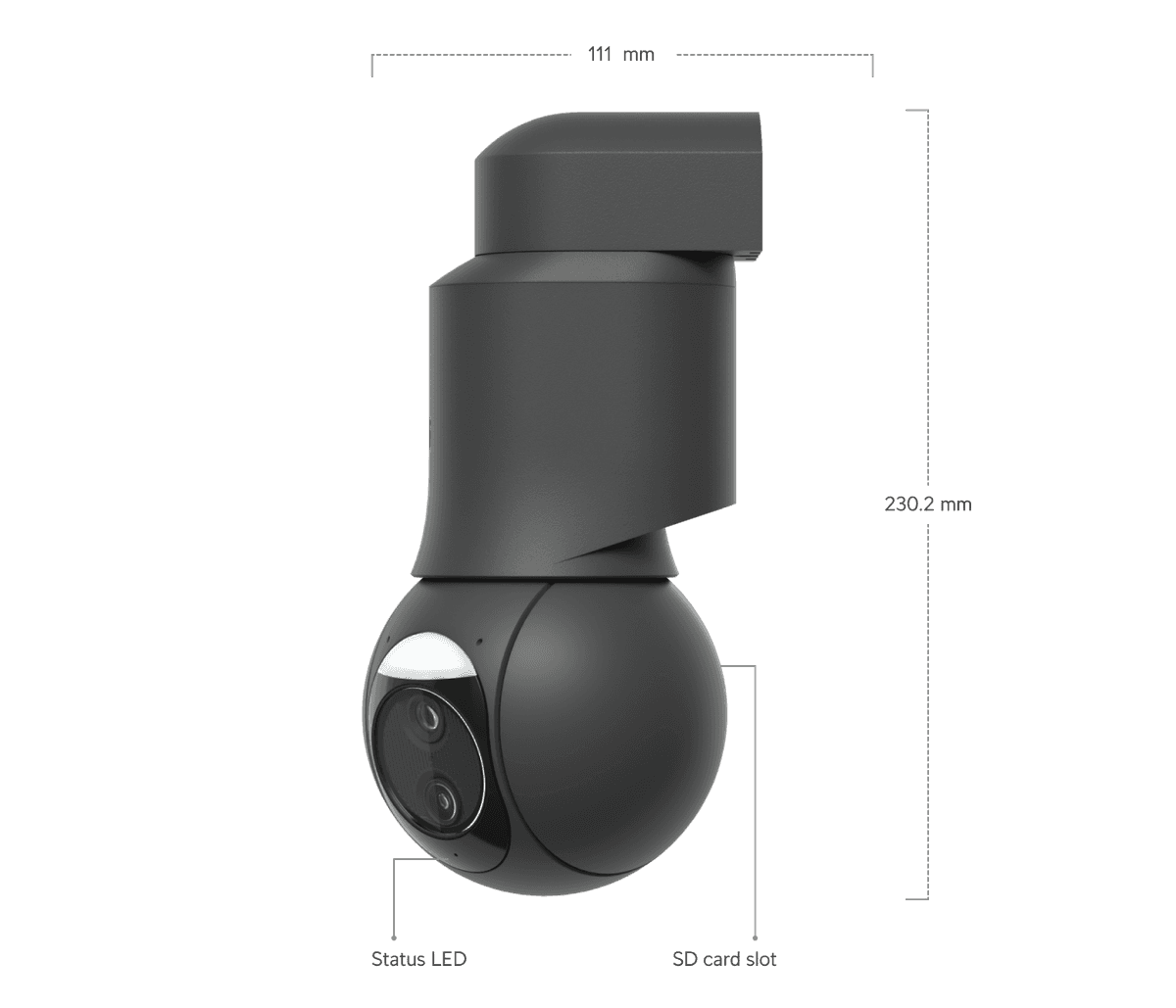
  • Turret, dome, bullet, flex, and PTZ options
  • 4K and AI-capable models are available
  • Local playback through Protect

Wi-Fi, instant, and doorbells

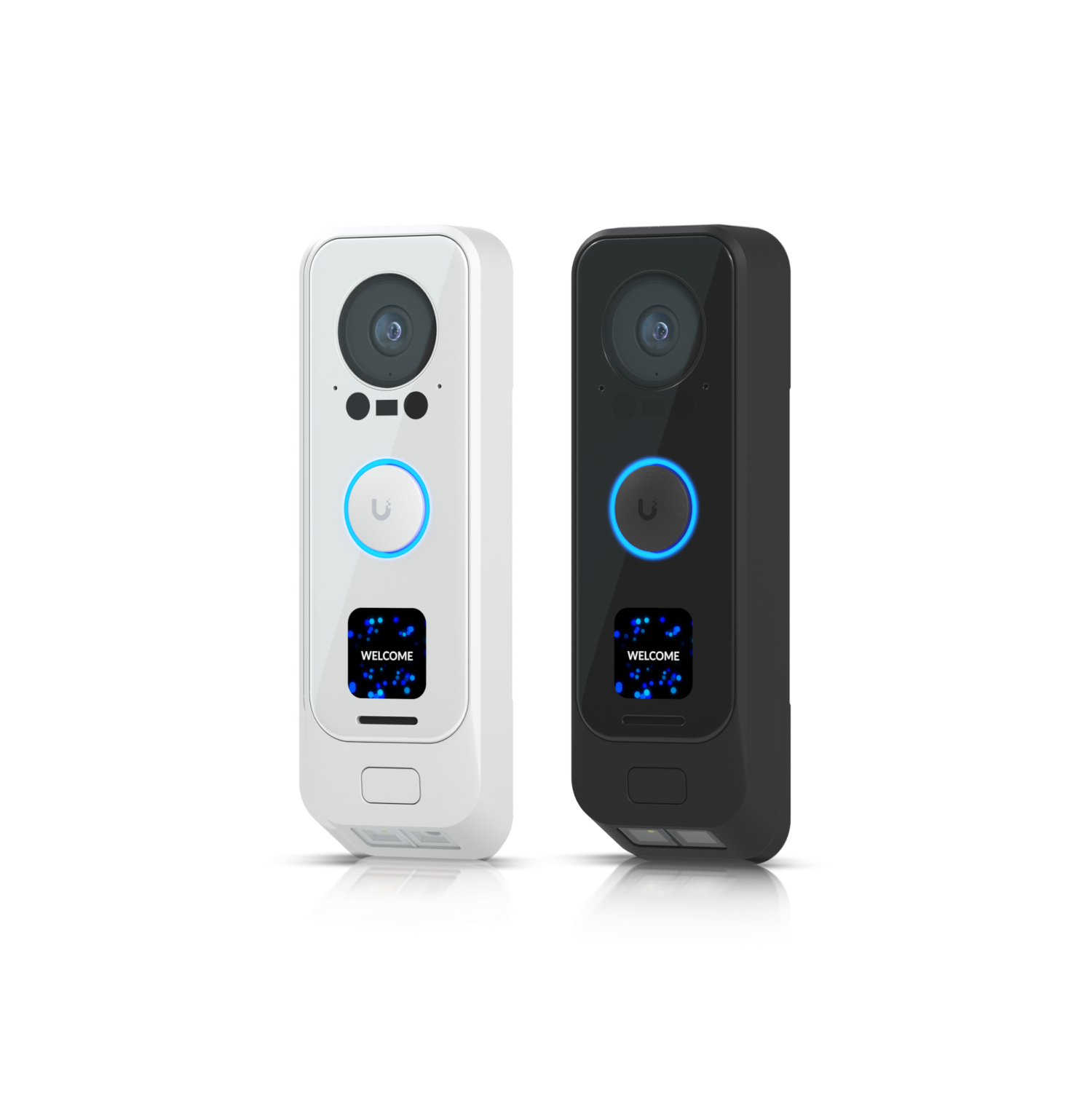
Wi-Fi models help when running cable is difficult. Doorbells and compact Instant cameras can cover entrances, apartments, and finished spaces.

  • Confirm power, Wi-Fi, and weather exposure first
  • Doorbell views can be paired with wider property cameras
  • Exact model determines storage and AI features

Evidence that stays useful

Protect stores footage on a local console, supports remote viewing, and lets you review the view before buying hardware. A UPS and network plan make the system more resilient.

  • Camera placement and identification zones
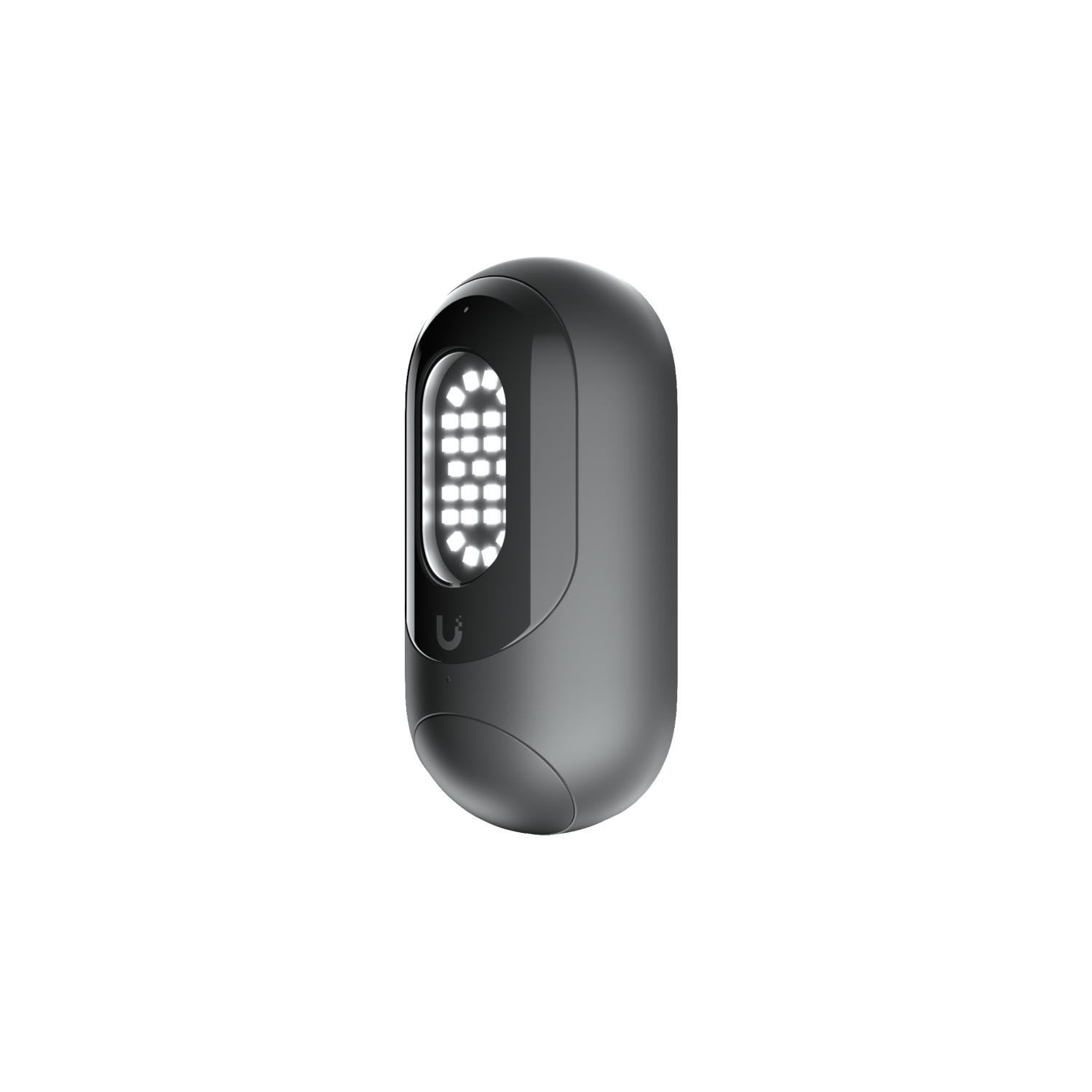
  • Floodlight cameras can add motion-triggered light to driveways, side yards, and entries
  • Local retention sized to the number of cameras
Five-image slideshow · dashboard plus four individual camera views.

CloudKey, Cloud Gateway, UNVR, or UNVR Instant?

The console is the part that stores recordings, runs Protect, and manages the system. The right choice depends on camera count, retention, expansion, and whether the network already has a UniFi console.

ConsoleBest fitWhat it provides
CloudKey+Small systems and homes already using UniFi networkingCompact UniFi OS console with Protect and included SSD. Add cameras and supported sensors without a rack appliance.
Cloud Gateway Max / Fiber + NVMeCompact all-in-one gateway and Protect consoleA compact UniFi OS console that combines routing, Protect, SuperLink, and local recording. Add the M.2 tray and a compatible NVMe SSD. Choose Max for a compact 2.5GbE installation, or Fiber when 10G, SFP+, or its built-in 2.5GbE switch matters.
UNVR InstantCompact dedicated recorder with simple PoE expansionSmall-form-factor Protect NVR with integrated PoE switch, HDMI viewing, and 3.5-inch drive support. Ubiquiti lists capacity around six 4K or fifteen HD cameras, depending on settings.
UNVR / UNVR ProMore cameras, longer retention, and expandable storageMulti-drive local recording with more bays and headroom. A UPS, CMR drives, and a camera VLAN are part of a dependable installation.
Enterprise NVRLarge homes, offices, or multi-site deploymentsHigh camera counts, expansion, and centralized management. Vantage Point can manage up to five NVRs from one interface.

A physical-security installation plan

1 · SurveyMap entries, sight lines, lighting, Wi-Fi, cable paths, and likely sensor locations.
2 · Choose the consoleSize CloudKey+, UNVR Instant, or a larger NVR for retention and expansion.
3 · Install and configureMount cameras, add SuperLink, create alerts, and separate security devices from personal networks.
4 · HandoffTest playback and alerts, explain the app, and leave a simple maintenance plan.

UniFi Protect is my gold-standard route when local evidence, dependable PoE, and one managed system matter. For a smaller or mixed-brand setup, see my camera comparison page and smart-home integration page.
Physical-security questions

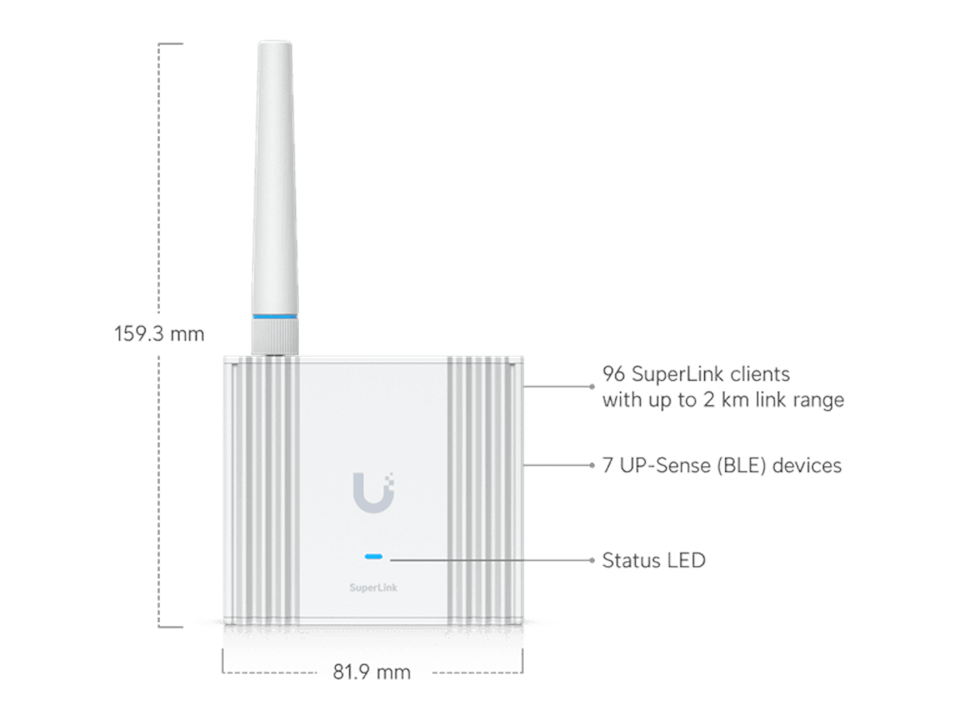
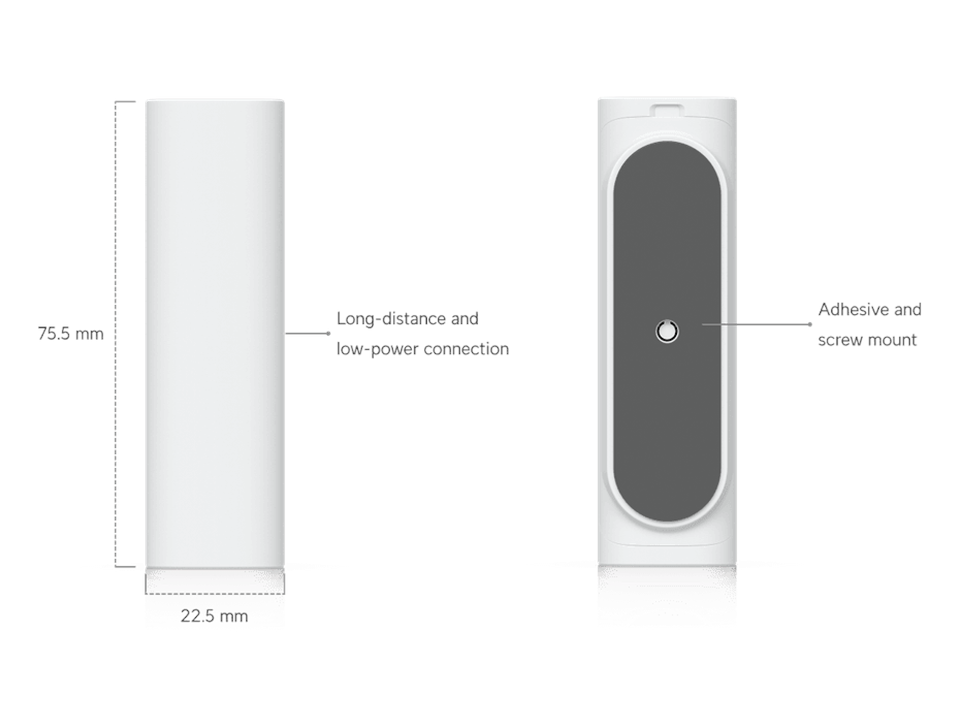
Do SuperLink sensors require a paid subscription?

The SuperLink gateway and Protect console provide the local management path. Cloud access and other optional services may have separate requirements; I verify the exact feature and current terms before installation.

Can I use a CloudKey and UNVR together?

They can be used for different roles in a larger UniFi environment, but camera ownership and storage should be planned deliberately. I will confirm the Protect topology before adopting cameras so recordings do not end up on the wrong console.

How much storage do I need?

Resolution, frame rate, motion activity, camera count, and retention days all matter. I size drives from the actual camera list and recommend CMR storage and UPS protection for multi-camera systems.

Can you work with my existing UniFi network?

Yes. I can use an existing gateway, switch, access point, or CloudKey where it is appropriate, and I can add a dedicated NVR or camera VLAN when the system needs more capacity or isolation.

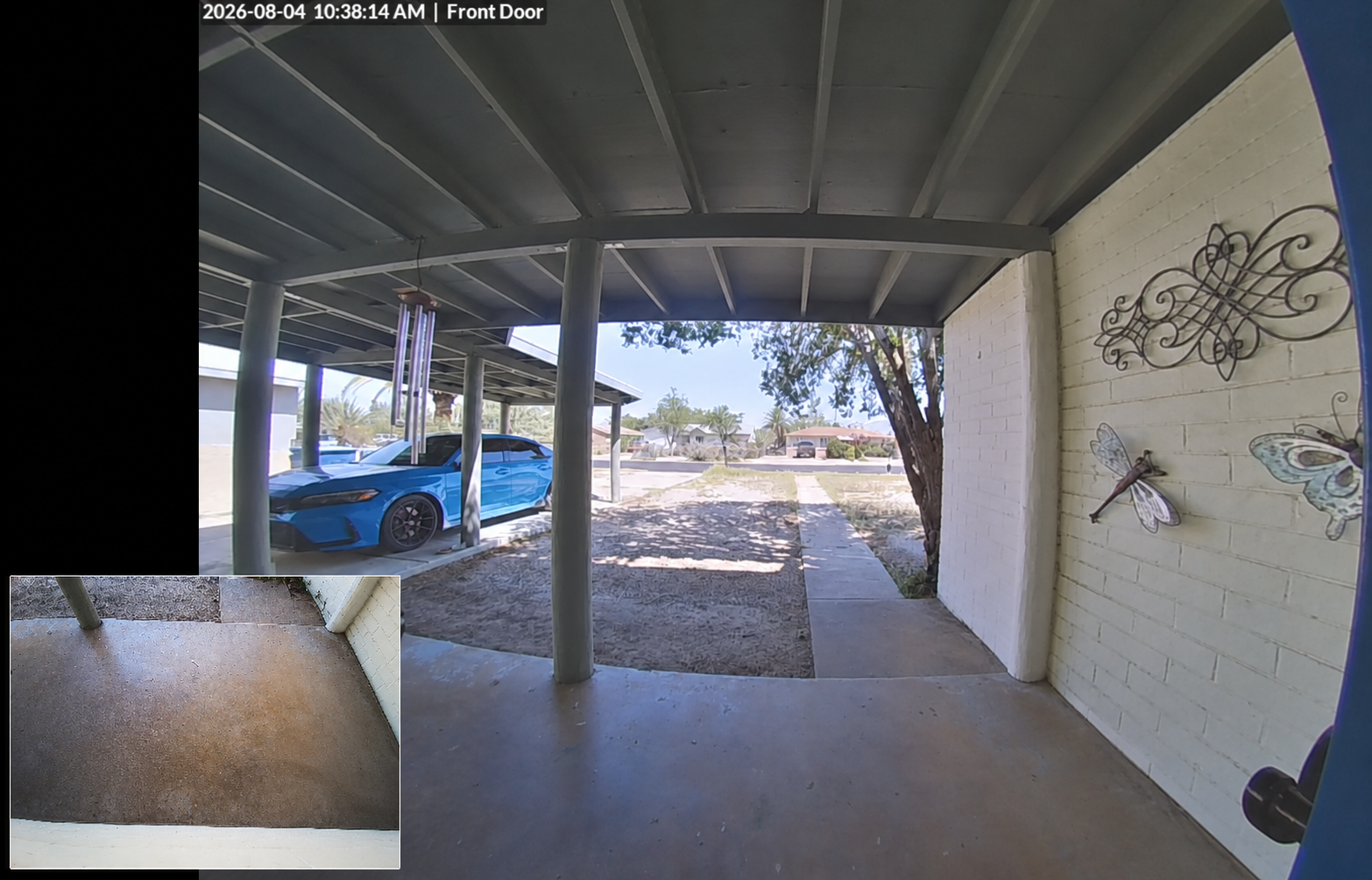
UniFi doorbell camera view of a Tucson front entry with a blue car
Example doorbell camera view · placement and coverage matter.

Plan a UniFi Protect system

Tell me what you want to protect, how many cameras you expect, and whether you want local recording or sensor alerts. I can help design the system before you buy hardware.

Four-camera system view

See what each camera sees

UniFi Protect dashboard showing four local security camera views in a Tucson home
UniFi Protect dashboard · four-camera system view
1 / 5


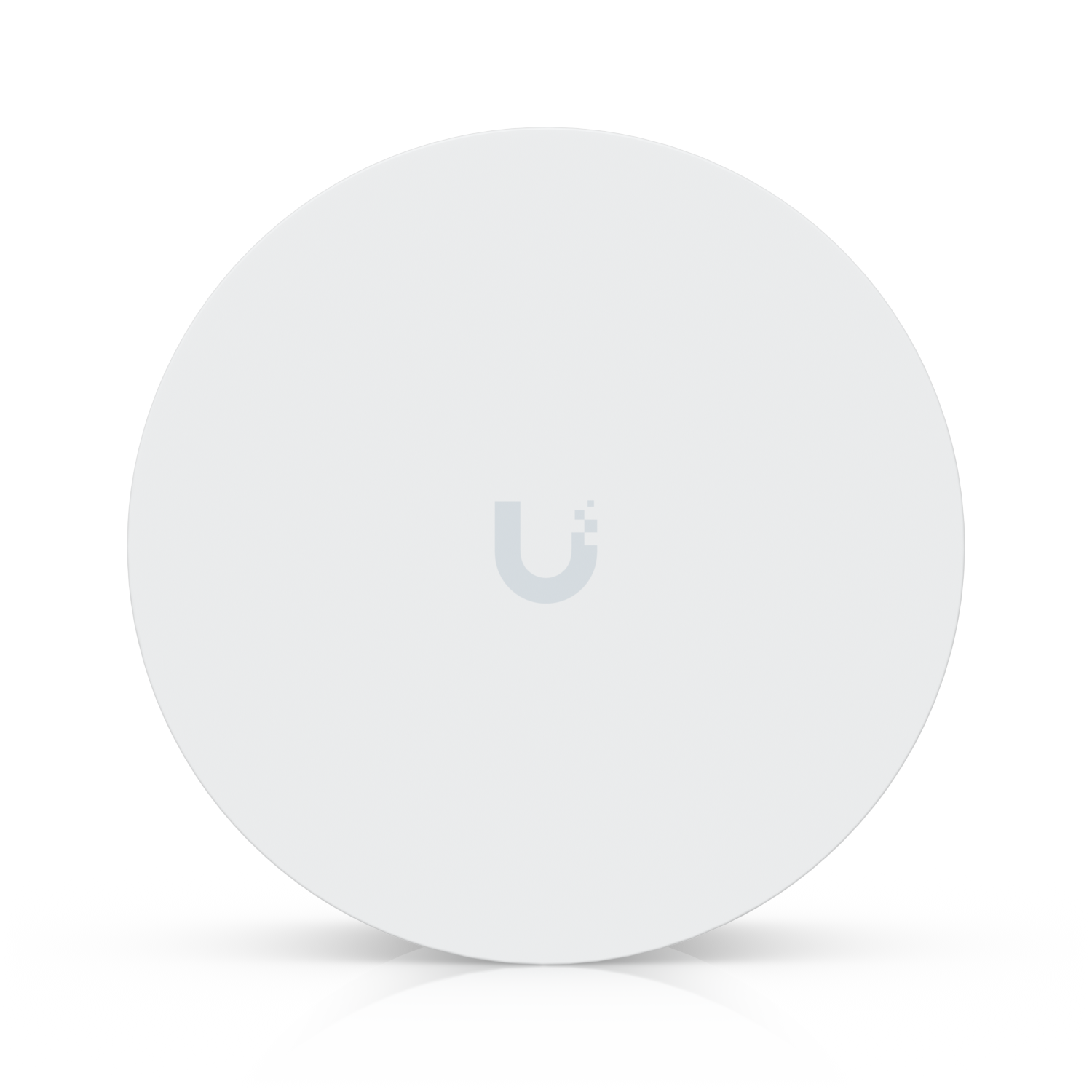
Explore the Protect product family

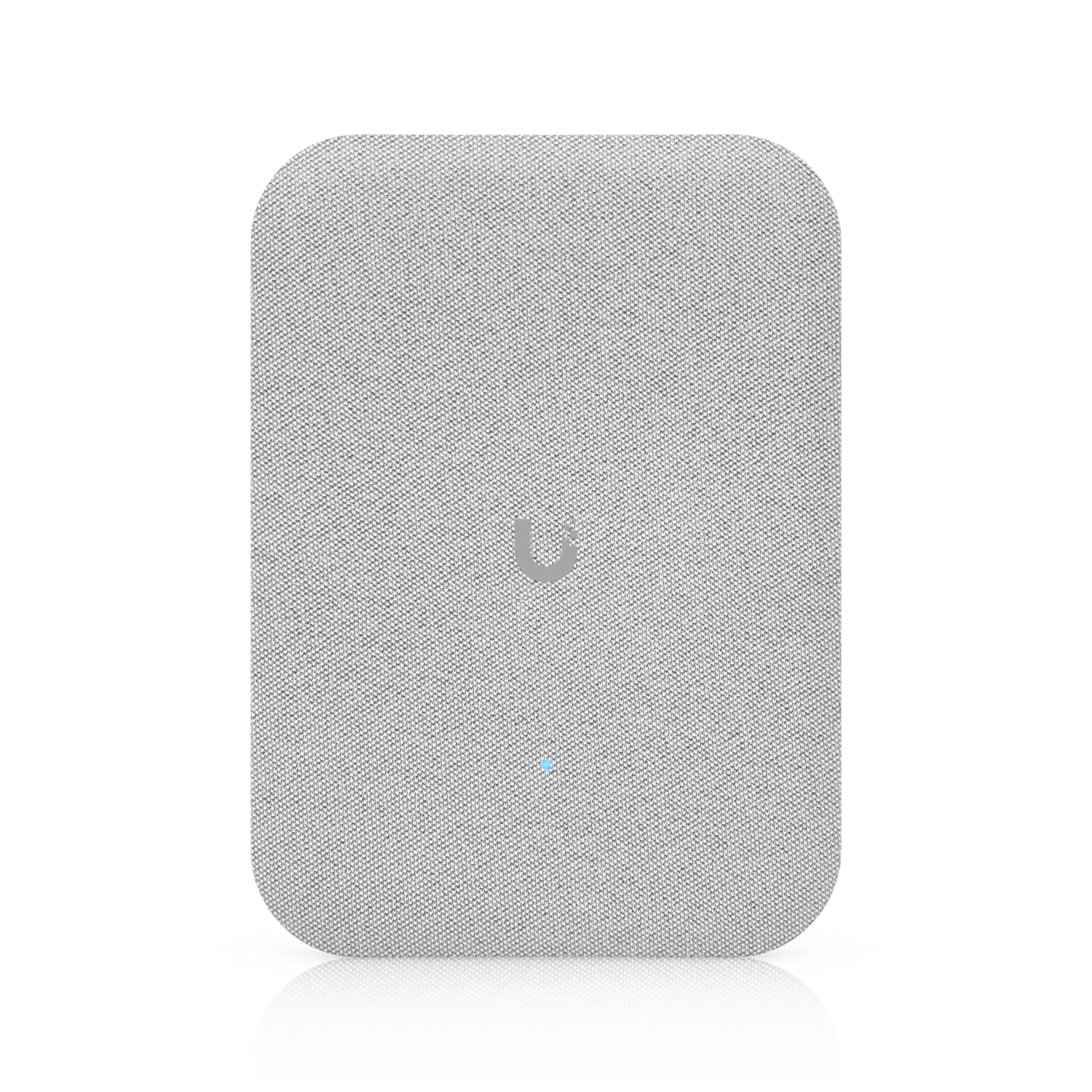
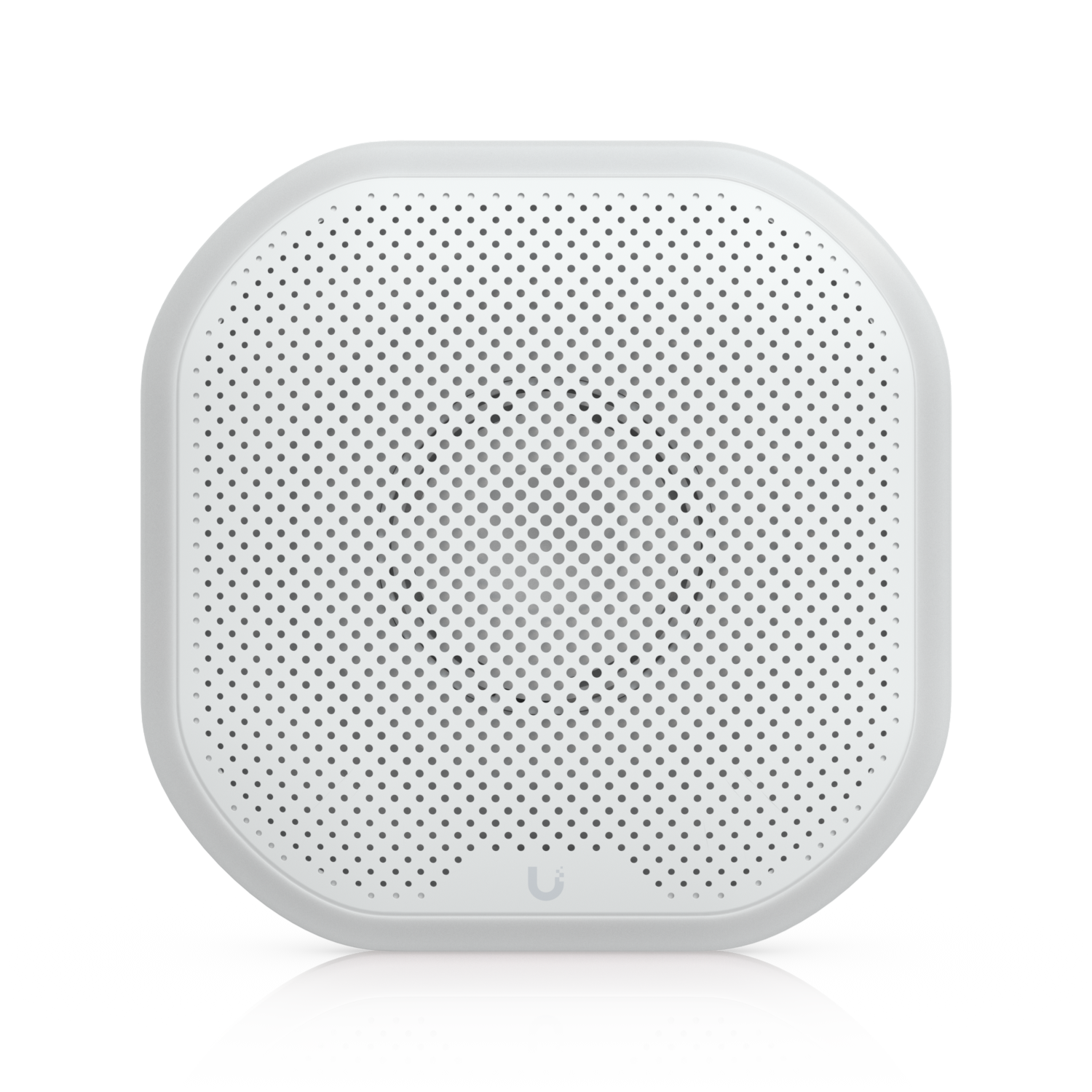
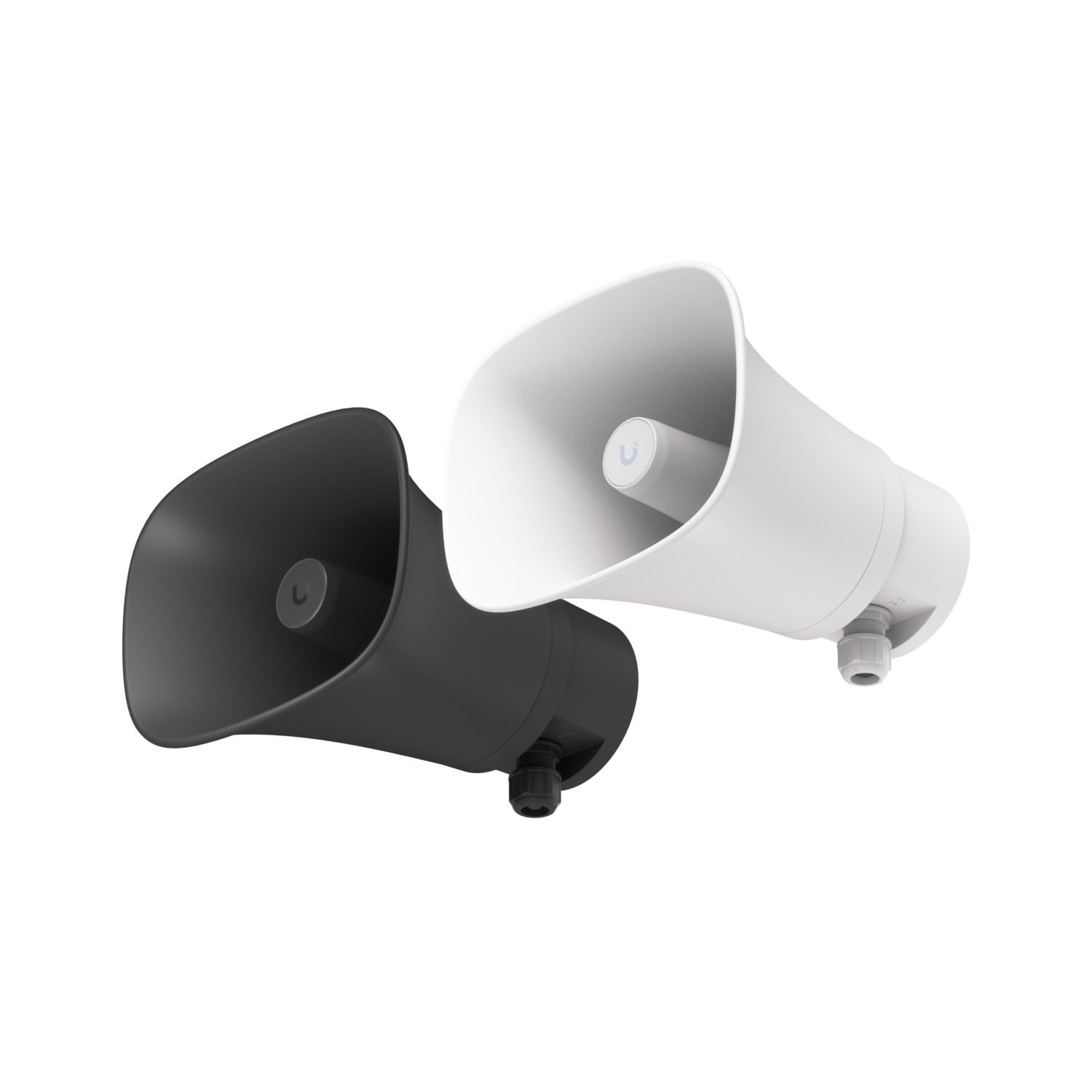
Cameras, SuperLink sensors, alarms, and speakers can work together in one UniFi Protect plan. Browse the products to see what could fit your property.